
The Steelcase Leap is one of the most common ergonomic chairs on the second-hand market, which also means it is easy to buy a tired one. This checklist walks you through what to confirm and test before you pay, whether you are looking at a private listing, an open-box return or a refurbished chair.
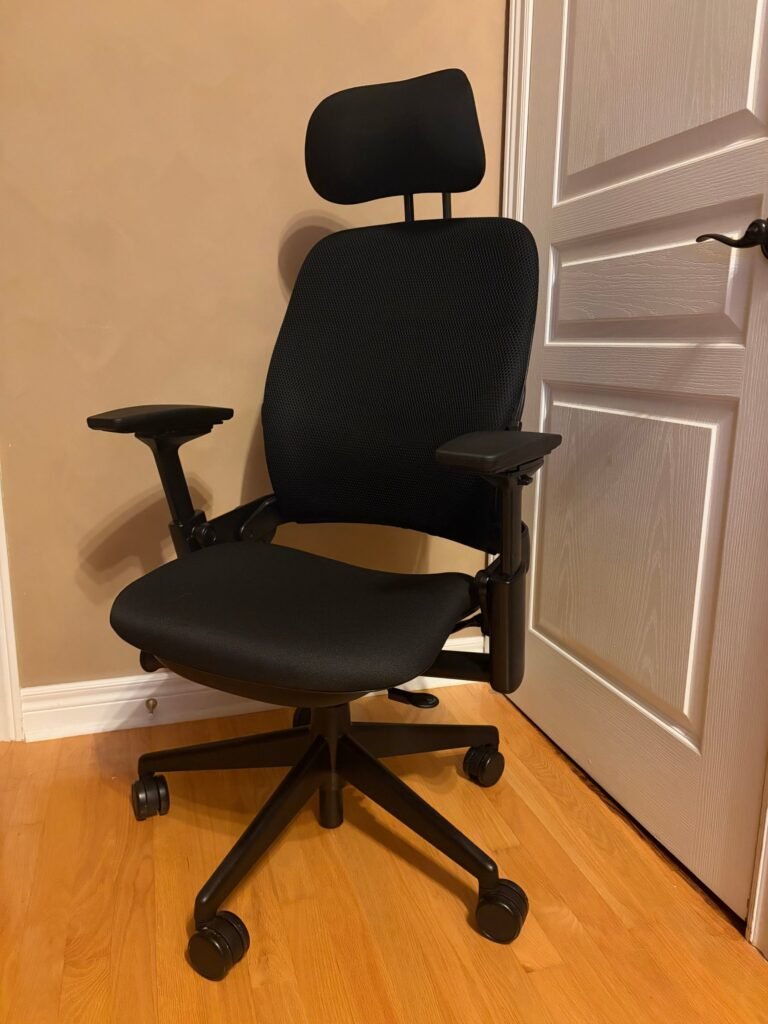

The short version
- Confirm exactly which Leap you are buying (V1 or V2) from photos or in person, not from the listing title alone.
- Run every adjustment: height, recline tension, tilt lock, seat slider, lower back firmness, lumbar and arms.
- Treat worn fabric and scuffs as cosmetic. Treat a chair that sinks, will not swivel freely or has controls that do not work as a reason to walk away or negotiate hard.
- If the chair is refurbished, ask what was replaced and with what parts, and get the warranty and return terms in writing.
Step 1: Confirm it is really a V2
Sellers often use “Leap” loosely, and the two generations are priced differently, so check before you commit. Be careful with advice online: sources disagree on details such as arm pad shape, so do not rely on a single visual cue.
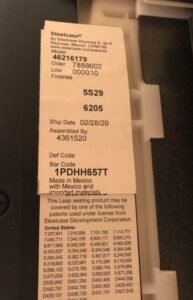
Features that guides describe for the V2 include a waterfall-style front seat edge, a sliding seat and 4D arms on chairs that have the adjustable arm option. Some V1 chairs have a fixed seat with no slider lever, so a missing seat lever points to an older chair. Ask the seller for photos of the front, side and underside, including any labels, and compare them with Steelcase’s own images.
For a side-by-side look at how the two generations differ, and where sources disagree, see our Leap V1 vs V2 comparison.
Step 2: The 10-minute function test
- Height lever and gas cylinder. Raise and lower the seat with the lever on the right side. It should move smoothly and hold its height with you sitting on it. If it slowly sinks, the cylinder needs replacing.
- Seat swivel at the lowest height. One reviewer who tested a used V2 found the seat struggled to turn on its own at the lowest setting while it spun smoothly higher up. Check the swivel at several heights.
- Recline tension. Turn the tension knob both ways and recline. The effort should clearly change.
- Tilt lock. Use the paddle on the right to lock the chair fully back, half back and upright. The flexible back can still give a little when locked upright, which is normal.
- Seat slider. Lift the lever on the left and slide the seat forward and back. Confirm it moves and holds position.
- Lower back firmness. Find the knob at the rear right of the back and turn it. The feel of the back shell should change.
- Lumbar support. Slide it up and down and check it stays where you put it.
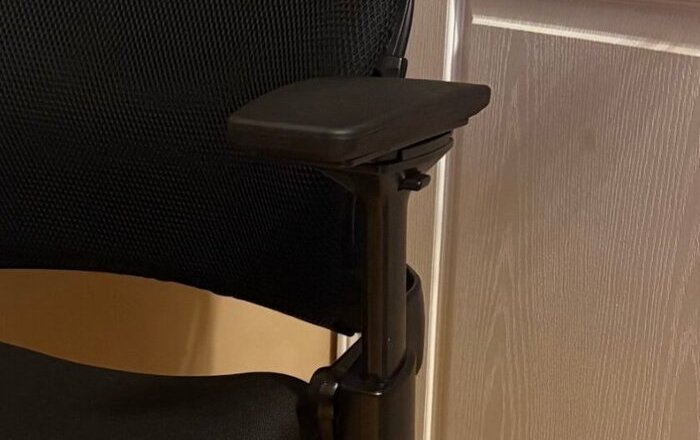
- Arms. Confirm whether the chair has 4D arms or height-only arms, then move every adjustment the arms offer. Make sure nothing wobbles or slips.
Can’t find a control? The seat-depth lever is on the left under the seat: lift it and the seat should slide and then lock where you leave it. The lower back firmness knob is at the rear right of the backrest: turning it should change how firm the lower back feels. The recline tension knob is turned to make leaning back easier or harder: give it several turns each way and recline after each, and the effort should clearly change. The Steelcase Leap brochure shows where each control sits. If you cannot see the chair in person, ask the seller for a short video of each control being used.
Cosmetic wear vs real problems
A hands-on review of an older used V2 found scuffs on the cylinder, marks on the lumbar knob from bumping into a desk and visibly worn upholstery, while the arm pads looked almost new. Wear like that is normal for a chair that has seen years of use and is not a reason to reject it, though worn fabric is a bargaining point.
Functional faults are different: a cylinder that sinks, a seat that will not swivel freely, or any control that does not do its job. Ask what a repair would cost before you decide, because parts and labor can erase the saving.
If the chair is refurbished or renewed
“Refurbished” and “renewed” mean different things from seller to seller. Before you buy, ask:
- Which parts were replaced (cylinder, foam, upholstery, arm pads) and who made them?
- Is there a warranty, how long is it, and who honors it?
- What is the return window and who pays for return shipping on a heavy chair?
- Can you see photos or video of the actual chair, not a stock image?
The foam question matters. One buyer reported that a refurbished Leap with replaced foam became uncomfortable over time, so it is worth asking what was used and, if you can, sitting on the chair before you commit.
Before you pay
- Test in person, or ask for a short video of each function above.
- Compare the total cost, including shipping and any parts, against buying a refurbished or new chair.
- Keep proof of the listing and any promises the seller made.
Prices and parts change, so confirm current details with the seller. Read our affiliate disclosure to see how this site is funded.
Leave a Reply